Running CST Studio on Linux
- A same version of CST running on Windows is required.
- Only Time Domain Solver and Frequency Domain Solver have been tested successfully.
1 Add the rsa key authorization to Linux
CST needs an rsa key to log in to the Linux host.
If you don’t have that, generate one on Windows with puttygen.exe and copy the public key to ~/.ssh/authorized_keys.
Then on Linux,
$ echo "StrictHostKeyChecking no" >> ~/.ssh/config
2 Setup CST on Windows
2.1 Set “hosts” file
- Run
cmdas admin, then type
notepad c:\windows\system32\drivers\etc\hosts
- Add
linux_ip_address linux_host_name
to this file and save it.
- Run
putty.exein the “CST STUDIO SUITE 2019” folder. Enter thelinux_host_namementioned above and clickOpen. You will see a dialog and choose “yes”.

2.2 Set mpi in CST
Setup Solver→Acceleration→MPI Properties- Set
CPU acceleration up toto1; CheckMPI - In
MPI Properties, set as follows:

You need to set the user, host and Temp Folder(“mkdir” first) as your own.
- Export settings for the next load.
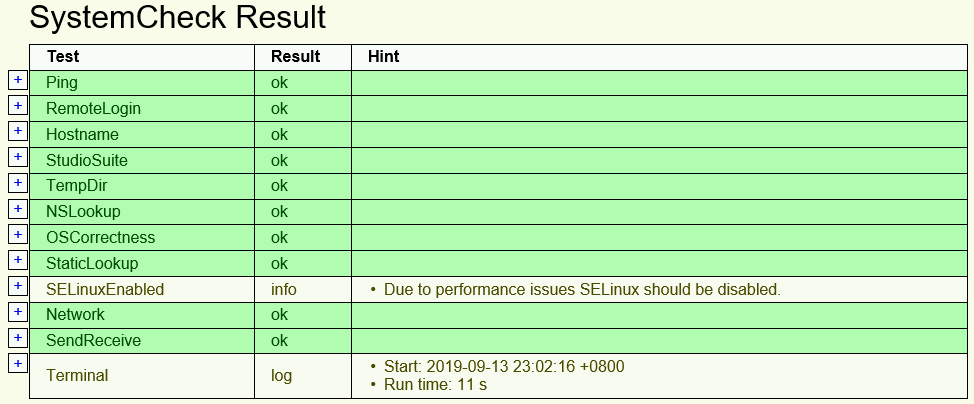
That’s all done! Click Cluster Test. You should see something like this: